
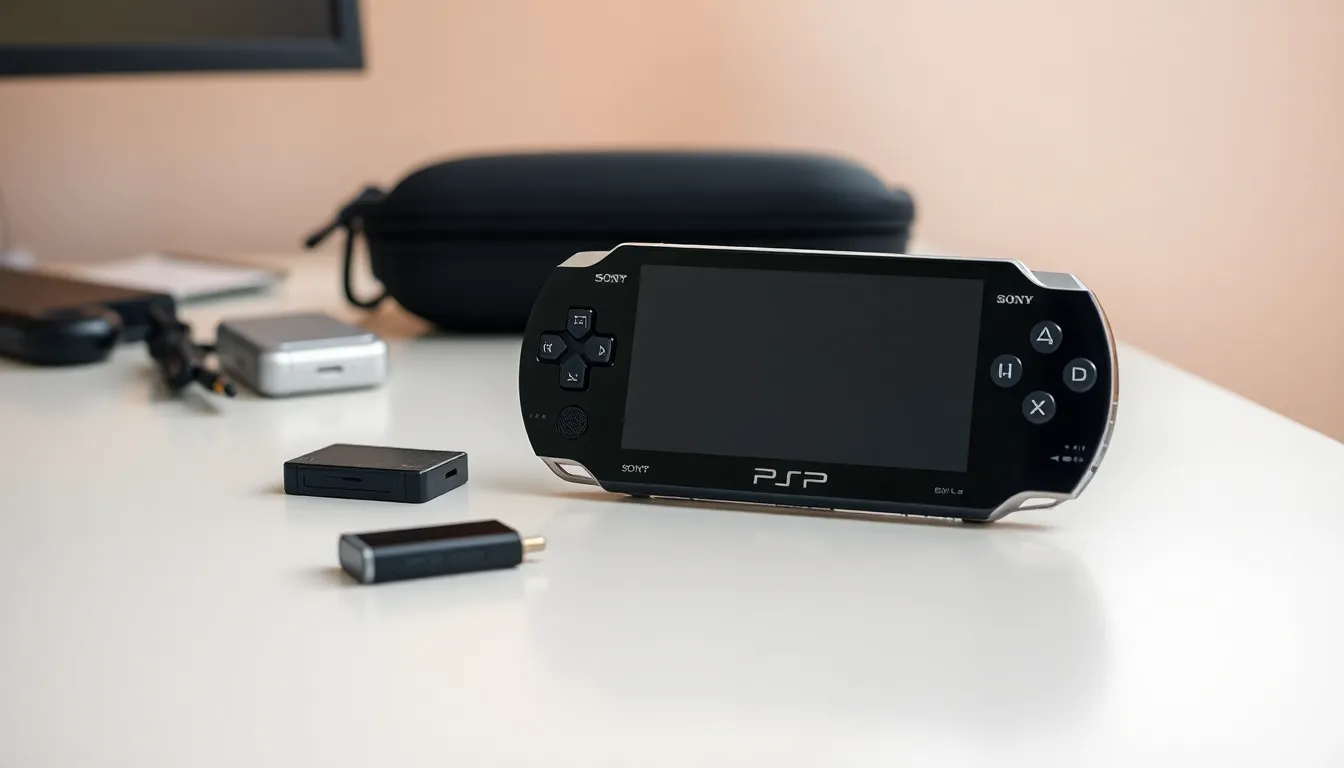
PlayStation Portable tips can transform how users experience Sony’s legendary handheld console. The PSP remains a beloved device for retro gaming enthusiasts and collectors alike. Whether someone recently picked up a used unit or dusted off their old system, these PlayStation Portable tips will help maximize performance, extend battery life, and unlock features many owners never knew existed.
This guide covers practical advice for PSP owners at every level. From simple maintenance habits to lesser-known settings, each tip serves a clear purpose: getting more enjoyment from this iconic handheld.
Table of Contents
ToggleKey Takeaways
- Lower screen brightness and disable Wi-Fi to extend PSP battery life by up to an hour per charge.
- Use the correct folder structure (PSP/SAVEDATA, PSP/MUSIC, PSP/VIDEO) to ensure your PSP recognizes all media files.
- Install game data to your memory stick when available to significantly reduce load times during gameplay.
- Clean the UMD drive with compressed air and the screen with a microfiber cloth to maintain optimal performance.
- Replace swollen or degraded batteries immediately to protect both safety and your PSP’s longevity.
- Explore hidden features like Remote Play with PS3, internet radio, and custom themes to unlock your PSP’s full potential.
Extending Battery Life
Battery life concerns plague most PSP owners. The original battery often holds a charge poorly after years of use. Fortunately, several PlayStation Portable tips address this issue directly.
Adjust Screen Brightness
The PSP screen consumes significant power. Users should press the display button to access brightness settings and select the lowest comfortable level. This single change can add 30-60 minutes of playtime per charge.
Disable Wi-Fi When Not Needed
The wireless switch on the left side of the PSP controls Wi-Fi. Turning it off during single-player games saves considerable battery power. Many owners forget this feature exists.
Use Power Save Mode
PSP settings include a power save option that reduces CPU speed during less demanding tasks. Access this through Settings > Power Save Settings. The device runs cooler and lasts longer between charges.
Consider a Replacement Battery
Third-party batteries offer higher capacity than original Sony units. A quality replacement battery from a reputable seller can double playtime. Users should check reviews before purchasing, as quality varies widely.
Optimizing Storage and Memory
Storage management directly affects the PSP experience. These PlayStation Portable tips help users organize their content efficiently.
Choose the Right Memory Stick
The PSP uses Memory Stick Pro Duo format. Cards up to 32GB work with all PSP models. Larger storage means more games, music, and videos without constant swapping.
Organize Folders Properly
The PSP expects specific folder structures. Game saves belong in PSP/SAVEDATA. Music files go in PSP/MUSIC. Videos need the PSP/VIDEO folder. Incorrect placement causes the system to ignore files entirely.
Delete Unnecessary Data
Game demos, expired content, and corrupted saves waste space. Users should regularly check their memory card through Settings > System Settings > System Information. The Memory Stick Management tool shows exactly what consumes storage.
Format Cards Correctly
New memory cards require formatting through the PSP itself. Computer formatting often creates incompatible file systems. Select Settings > System Settings > Format Memory Stick for proper setup.
Improving Gameplay Performance
Performance issues frustrate PSP gamers. These PlayStation Portable tips address common problems and enhance the gaming experience.
Update System Software
Sony released firmware updates throughout the PSP’s lifespan. Users should check Settings > System Update to ensure their device runs the latest official firmware. Updates fix bugs and improve compatibility.
Close Background Applications
The PSP can run music while gaming, but this reduces available memory. Closing unnecessary applications before launching games prevents slowdown and crashes.
Clean the UMD Drive
Dirty UMD drives cause read errors and slow loading. A can of compressed air removes dust from the disc slot. Users should never insert cleaning discs or liquids into the drive.
Manage Game Data Installation
Some PSP games offer installation options that copy data to the memory stick. This reduces load times significantly. Check individual game menus for installation features.
Adjust CPU Clock Speed
Certain homebrew applications allow CPU clock adjustments. Higher speeds improve performance in demanding games. But, this increases battery drain and heat generation. Users should research compatibility before making changes.
Essential Maintenance and Care
Proper care extends PSP lifespan considerably. These PlayStation Portable tips focus on keeping the device in excellent condition.
Clean the Screen Regularly
Fingerprints and dust accumulate quickly on the PSP screen. A microfiber cloth removes smudges without scratching. Users should avoid paper towels and household cleaners.
Store Properly
The PSP needs protection from dust, moisture, and extreme temperatures. A carrying case prevents scratches during transport. Long-term storage requires removing the battery to prevent corrosion.
Maintain Button Responsiveness
Sticky buttons result from dirt buildup. Isopropyl alcohol on a cotton swab cleans around button edges. Users should power off the device completely before cleaning.
Protect UMD Discs
UMD discs scratch easily even though their protective housing. Storing games in original cases prevents damage. Scratched discs cause read errors and game crashes.
Check for Swollen Batteries
Old lithium batteries sometimes swell and bulge. A swollen battery poses safety risks and damages the PSP housing. Users should replace any battery showing signs of expansion immediately.
Hidden Features Worth Exploring
The PSP includes features many owners overlook. These PlayStation Portable tips reveal useful capabilities hiding in plain sight.
Internet Radio and RSS
The PSP browser supports internet radio streams and RSS feeds. Users can listen to podcasts and online stations through Wi-Fi connections. This transforms the PSP into a portable media device.
Remote Play with PS3
PSP owners with a PlayStation 3 can use Remote Play. This feature streams PS3 content to the handheld over Wi-Fi. Some PS3 games support full remote play functionality.
Screenshot Capability
Certain firmware versions allow screenshots during gameplay. Users can capture memorable gaming moments and share them online. This feature requires specific button combinations that vary by firmware.
Custom Themes
The PSP supports custom themes that change menu appearance. Official themes were available through PlayStation Store. Users can also create personal themes using free software.
Photo Slideshow Mode
The PSP displays photos with music accompaniment. Users can create slideshows by placing images in the PHOTO folder and selecting background music. This feature works great for sharing vacation photos.