
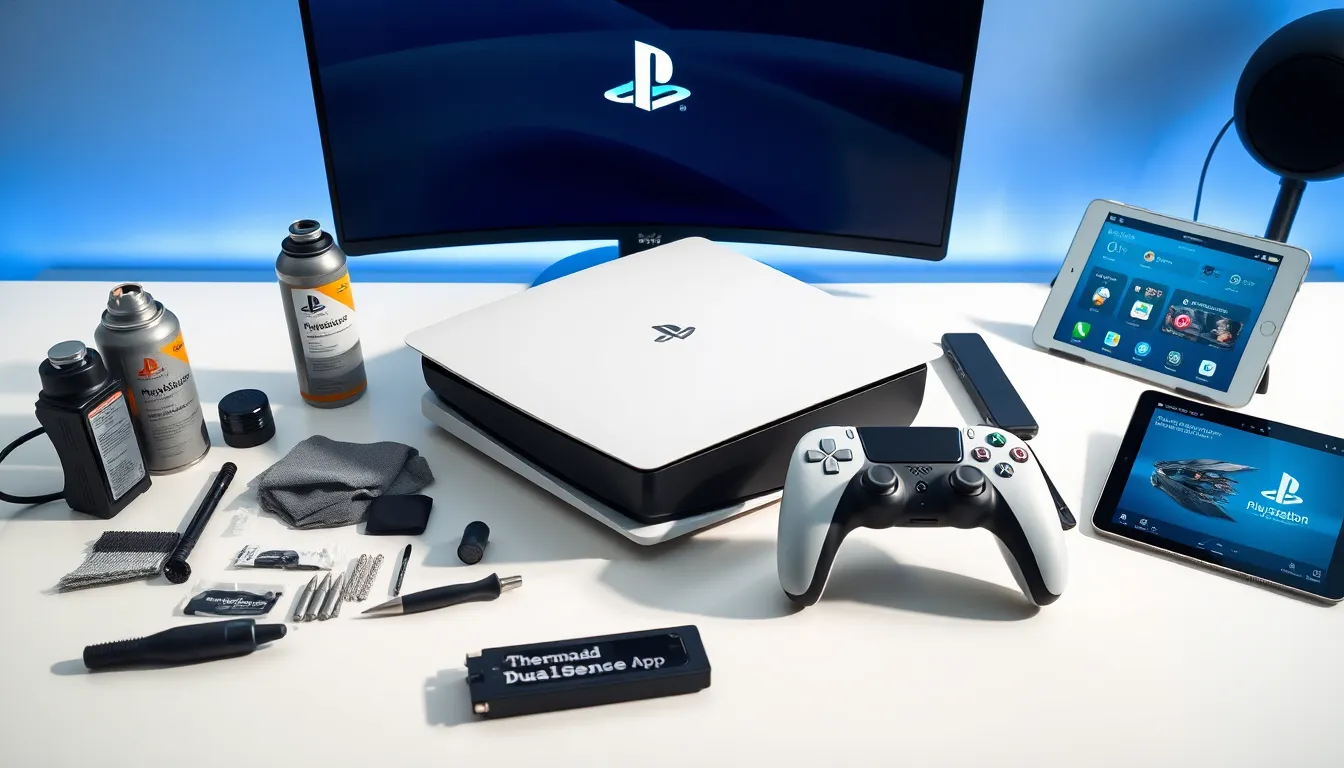
PlayStation tools make gaming smoother, faster, and more enjoyable. Whether someone needs to clean a dusty console, optimize storage, or explore game development, the right tools can transform the PlayStation experience. From hardware maintenance kits to advanced software utilities, gamers have plenty of options to keep their systems running at peak performance.
This guide covers the essential PlayStation tools every gamer should know about. It explores hardware accessories for console upkeep, software solutions for digital management, and developer resources for those who want to go deeper. By the end, readers will know exactly which PlayStation tools fit their needs and how to pick the best ones.
Table of Contents
ToggleKey Takeaways
- PlayStation tools range from hardware maintenance kits and cleaning supplies to software utilities and developer resources that keep your console running optimally.
- Replacing dried thermal paste with quality compounds like Arctic MX-4 can lower your PlayStation’s operating temperature by 10-20 degrees Celsius.
- Controller repair toolkits with replacement joysticks and prying tools let you fix stick drift affordably instead of buying new controllers.
- Sony’s PlayStation App and built-in storage management tools help you remotely manage downloads, organize your game library, and optimize console performance.
- Always match PlayStation tools to your specific console model, as PS4 and PS5 have different internal layouts, screw types, and compatibility requirements.
- Invest in quality PlayStation tools from reputable brands to avoid stripped screws, failed repairs, and repeated purchases that cost more long-term.
Hardware Tools for PlayStation Maintenance
Keeping a PlayStation console in good shape requires the right hardware tools. Dust buildup, thermal paste degradation, and controller drift are common issues that proper maintenance can prevent or fix.
Cleaning Kits
A quality cleaning kit is the first PlayStation tool every gamer should own. These kits typically include compressed air cans, microfiber cloths, soft brushes, and cleaning solutions. Compressed air removes dust from vents and fan areas without opening the console. Microfiber cloths clean the exterior and controller surfaces without scratching them.
For deeper cleaning, some gamers use electric air blowers instead of compressed air cans. They’re reusable and provide stronger airflow for stubborn dust deposits.
Thermal Paste and Application Tools
PlayStation consoles can overheat after years of use. The thermal paste between the processor and heatsink dries out over time, reducing heat transfer. Replacing this paste requires specific PlayStation tools: a precision screwdriver set, thermal paste, isopropyl alcohol, and lint-free wipes.
High-quality thermal compounds like Arctic MX-4 or Noctua NT-H1 work well for PlayStation repairs. Applying fresh thermal paste can lower operating temperatures by 10-20 degrees Celsius.
Controller Repair Tools
DualSense and DualShock controllers develop stick drift, worn buttons, and battery issues over time. A controller repair toolkit includes small Phillips and flathead screwdrivers, plastic prying tools, replacement joysticks, and soldering equipment for battery swaps.
Replacement parts are affordable, often costing between $5 and $20. With the right PlayStation tools, gamers can fix controllers instead of buying new ones.
Storage Upgrades
PS5 owners can expand internal storage with compatible NVMe SSDs. Installation requires a small Phillips screwdriver and basic technical confidence. Popular choices include the Samsung 980 Pro, WD Black SN850X, and Seagate FireCuda 530. These drives meet Sony’s speed requirements and offer storage from 500GB to 4TB.
Software and Digital Tools for PlayStation Users
Beyond physical maintenance, software PlayStation tools help gamers manage their digital libraries, optimize performance, and enhance their experience.
PlayStation App
Sony’s official PlayStation App serves as a mobile command center. Users can purchase games, manage downloads, chat with friends, and control their console remotely. The app also displays trophy progress and sends notifications about game updates.
Remote Play functionality lets gamers stream PlayStation content to phones, tablets, or computers. This feature works over Wi-Fi or mobile data, turning any device into a portable PlayStation screen.
Media and Storage Management Tools
The console’s built-in storage management tool shows exactly how space is being used. Gamers can move games between internal and external storage, delete unused content, and prioritize downloads.
For PS5 users, the Game Library organizes all purchased titles, including PS4 games playable through backward compatibility. Cloud storage through PlayStation Plus saves game progress across multiple consoles.
Network and Performance Utilities
PlayStation consoles include network diagnostic tools that test connection speed, NAT type, and server connectivity. These utilities help troubleshoot online gaming issues and identify whether problems stem from the console or internet service.
Rest Mode settings function as a power management tool. Users can configure automatic downloads, charging options, and remote access while the console sleeps.
Parental Control Software
Families use PlayStation’s parental control tools to manage screen time, restrict content by age rating, and control spending. These settings apply to child accounts linked to a family manager. Parents can adjust restrictions remotely through the PlayStation App.
Developer and Modding Tools
Some PlayStation tools cater to developers, hobbyists, and technically adventurous users who want to create or modify content.
PlayStation Partners Program
Sony’s official developer program provides access to professional PlayStation tools. Registered developers receive development kits, documentation, and software development kits (SDKs) for creating PlayStation games. The program includes Unity and Unreal Engine integrations optimized for PlayStation hardware.
Indie developers can apply through PlayStation Partners to bring their games to PlayStation platforms. The program has supported thousands of independent titles since its launch.
Dreams Creation Tools
Media Molecule’s Dreams offers creative PlayStation tools within a game. Users build games, animations, music, and art using intuitive sculpting and logic systems. The platform has produced impressive projects ranging from short films to playable recreations of classic games.
Dreams serves as an entry point for aspiring game designers. Its tools teach fundamental concepts like level design, character animation, and game logic without requiring programming knowledge.
Capture and Streaming Software
Built-in capture tools record gameplay footage and screenshots directly to the console. PS5 users can capture up to one hour of 4K HDR video. The Share Factory Studio app provides editing capabilities including trimming, transitions, and text overlays.
For live streaming, PlayStation integrates with Twitch and YouTube. Streamers can broadcast directly from the console without external capture cards. These PlayStation tools make content creation accessible to anyone with a console.
Third-Party Accessories for Creators
Elgato capture cards, professional microphones, and green screens enhance streaming quality beyond native capabilities. These external PlayStation tools connect through USB or HDMI and work alongside console features for professional-grade content.
How to Choose the Right PlayStation Tools
Selecting the best PlayStation tools depends on individual needs, technical skill, and budget.
Assess Your Needs First
Gamers should identify specific problems before purchasing tools. A noisy fan suggests cleaning tools are needed. Slow load times point toward storage upgrades. Controller drift calls for repair kits. Buying PlayStation tools without a clear purpose wastes money.
Consider Skill Level
Some PlayStation tools require technical expertise. Replacing thermal paste involves disassembling the console, which voids warranties on newer units. Beginners should start with external cleaning tools and software utilities before attempting internal repairs.
Online tutorials and repair guides help users build confidence. iFixit and YouTube channels dedicated to console repair offer step-by-step instructions for most PlayStation maintenance tasks.
Quality Over Price
Cheap PlayStation tools often disappoint. Low-quality screwdrivers strip screws. Weak thermal paste fails quickly. Poor replacement parts break within months. Investing in reputable brands saves money long-term by preventing repeated purchases and potential damage.
Check Compatibility
PlayStation tools must match the specific console model. PS4 and PS5 have different internal layouts and screw types. SSD upgrades require drives that meet Sony’s speed specifications. Controller parts vary between DualShock 4 and DualSense models. Always verify compatibility before buying.
Read Reviews and Community Feedback
Gaming communities share honest opinions about PlayStation tools. Reddit forums, gaming websites, and YouTube reviews reveal which products work well and which ones to avoid. User experiences provide insights that product descriptions don’t include.