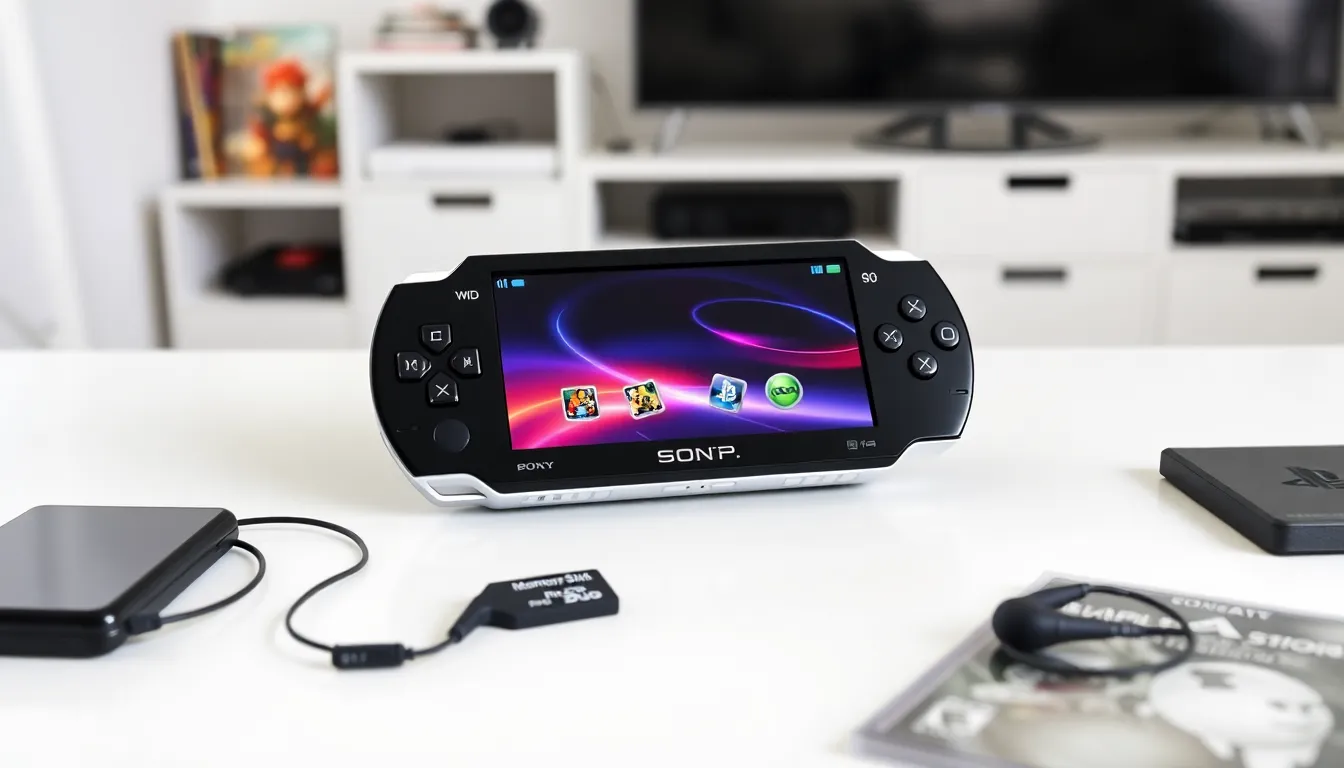

PlayStation for beginners can feel overwhelming at first. Sony’s gaming ecosystem includes multiple consoles, countless games, and various subscription options. This guide breaks down everything new players need to know. From picking the right console to finding beginner-friendly games, each section covers practical steps to get started. Whether someone received a PlayStation as a gift or finally decided to jump into gaming, this article provides clear direction. No confusing jargon, just straightforward advice for anyone ready to start their PlayStation journey.
Table of Contents
ToggleKey Takeaways
- The standard PS5 with a disc drive offers more flexibility for PlayStation beginners, though the Digital Edition costs $50 less.
- Creating a PlayStation Network (PSN) account with two-factor authentication is essential for online features, purchases, and cloud saves.
- PS Plus Essential ($60/year) is the best starting subscription tier, unlocking online multiplayer and adding free monthly games.
- Astro’s Playroom comes pre-installed on every PS5 and serves as the perfect first game to learn controller features.
- PlayStation beginners should check the PS Plus Extra catalog before buying individual games to save money while building a library.
- Essential accessories include a second controller for local multiplayer and a charging station to keep controllers ready to play.
Choosing the Right PlayStation Console
The first decision any PlayStation beginner faces is which console to buy. Sony currently sells two main options: the PlayStation 5 (PS5) and the PlayStation 5 Digital Edition.
The standard PS5 includes a disc drive. This allows players to buy physical games, watch Blu-ray movies, and resell games when finished. The Digital Edition lacks a disc drive but costs about $50 less. Both consoles offer identical performance and game libraries.
For most beginners, the standard PS5 makes more sense. Physical games often go on sale at retailers, and having a disc drive provides flexibility. But, someone who prefers digital downloads and streaming services might appreciate the Digital Edition’s lower price and slimmer design.
What about the PlayStation 4? While Sony discontinued production, many retailers still sell used PS4 consoles. A PS4 works well for budget-conscious beginners who want access to thousands of games at lower prices. Just know that some newer titles won’t be available on PS4.
PlayStation beginners should also consider storage. The PS5 comes with 825GB of internal storage, but games can take 50-100GB each. An external hard drive or internal SSD expansion might become necessary down the line.
Setting Up Your PlayStation for the First Time
Setting up a PlayStation console takes about 20-30 minutes. The process is straightforward, but a few tips can make it smoother.
First, connect the HDMI cable from the console to a TV or monitor. Plug in the power cable and press the power button. The console will guide users through language selection, internet connection, and account creation.
Creating a PlayStation Network (PSN) account is essential. This free account enables online features, game purchases, and cloud saves. PlayStation beginners should use a strong password and enable two-factor authentication for security. Sony sends a verification code to a phone or email whenever someone tries to log in from a new device.
During setup, the console will prompt users to download system updates. These updates are mandatory and can take several minutes depending on internet speed. Don’t skip them, updates include important security patches and new features.
The DualSense controller (for PS5) needs an initial charge. Connect it to the console using the included USB-C cable. The controller typically charges fully in about three hours. PlayStation beginners often forget this step and end up waiting mid-game for a charge.
Finally, adjust privacy settings. The console allows users to control who can see their online status, send friend requests, or view game activity. Parents setting up a console for children should explore the family management features, which restrict content based on age ratings.
Essential Accessories Every New Player Needs
A PlayStation console comes with everything needed to start playing: the console itself, one controller, HDMI cable, power cable, and a USB charging cable. But a few additional accessories improve the experience significantly.
A Second Controller
Local multiplayer games require two controllers. Whether it’s racing games, fighting games, or co-op adventures, having an extra DualSense on hand means friends and family can join in. Sony’s official controllers cost around $70, though third-party options exist at lower price points.
Gaming Headset
A good headset transforms how games sound. Spatial audio in many PS5 titles creates immersive 3D soundscapes. Headsets also allow voice chat with friends during online matches. PlayStation beginners can start with budget options around $30-50 before upgrading to premium headsets.
Charging Station
The DualSense controller’s battery lasts roughly 12 hours. A charging dock keeps controllers ready without tying up USB ports. Most docks hold two controllers and cost between $20-30.
External Storage
As mentioned earlier, game file sizes add up quickly. An external USB hard drive stores PS4 games (and stores, but doesn’t play, PS5 games). For running PS5 games directly, players need an internal NVMe SSD expansion, which costs more but offers full functionality.
PS5 Camera (Optional)
Streamers or anyone interested in broadcasting gameplay might want the HD Camera. It’s not necessary for most PlayStation beginners, but it enables picture-in-picture streaming.
Navigating the PlayStation Store and PS Plus
The PlayStation Store is where digital games, add-ons, and subscriptions live. Accessing it is simple, just scroll to the store icon on the home screen.
PlayStation beginners will find the store organized by categories: new releases, sales, free-to-play games, and more. The search function helps locate specific titles. Each game page shows trailers, screenshots, reviews, and file size before purchase.
Payment options include credit cards, debit cards, PayPal, and PlayStation Store gift cards. Gift cards work well for younger players or anyone who prefers not to store payment information online.
Now, about PS Plus. This subscription service comes in three tiers:
- PS Plus Essential ($60/year): Required for online multiplayer in most games. Includes monthly free games and exclusive discounts.
- PS Plus Extra ($135/year): Everything in Essential plus access to a catalog of hundreds of downloadable games.
- PS Plus Premium ($160/year): Everything in Extra plus classic games from older PlayStation generations and cloud streaming.
For PlayStation beginners, Essential is enough to start. It unlocks online play and adds 2-3 free games monthly to a growing library. The higher tiers make sense for players who want variety without buying individual games.
One tip: wait for PS Plus sales. Sony often discounts annual subscriptions during major events like Black Friday or Days of Play.
Best Beginner-Friendly Games to Start With
Not all games suit beginners equally. Some titles overwhelm new players with complex controls or punishing difficulty. These recommendations offer accessible entry points across different genres.
Astro’s Playroom (Free, Pre-installed)
Every PS5 includes this gem. It teaches controller features through creative platforming levels. PlayStation beginners should play this first, it’s fun, short, and doubles as a tutorial for the DualSense’s haptic feedback and adaptive triggers.
Spider-Man: Miles Morales
Superhero action with forgiving combat. Swinging through New York City feels incredible, and multiple difficulty options let players adjust the challenge. The story runs about 10-15 hours.
Ratchet & Clank: Rift Apart
A colorful action-adventure with approachable gameplay. The game demonstrates PS5’s visual capabilities while offering accessibility features for various skill levels.
Stardew Valley
A relaxing farming simulation. No time pressure, no enemies, just crops, relationships, and cozy vibes. Perfect for players who want low-stress gaming sessions.
Horizon Zero Dawn / Horizon Forbidden West
Open-world adventures with adjustable difficulty. These games offer stunning worlds to explore and story-driven gameplay that doesn’t demand twitch reflexes.
It Takes Two (Co-op)
A cooperative adventure requiring two players. Each level introduces new mechanics, making it ideal for couples or friends new to gaming together.
PlayStation beginners should check PS Plus Extra’s catalog before buying individual games. Many popular titles appear there, saving money while building a library.