PlayStation techniques can transform an average player into a skilled competitor. Whether someone picks up a controller for casual play or serious competition, the right methods make a real difference. Grip, settings, combat strategies, and practice habits all contribute to better performance.
This guide covers the core PlayStation techniques that help players level up. From how to hold the controller to optimizing display settings, each section offers practical advice. Players who apply these methods will notice faster reactions, smoother gameplay, and more wins.
Table of Contents
ToggleKey Takeaways
- Mastering PlayStation techniques starts with proper controller grip—standard grip suits most players, while claw grip improves performance in shooters and action games.
- Enable Game Mode on your TV and adjust controller sensitivity to reduce input lag and improve responsiveness.
- Constant movement, strafing, and pre-aiming common angles make you a harder target and reduce reaction time in combat.
- Spend 10-15 minutes warming up in aim training modes before competitive matches to build muscle memory.
- Review your gameplay replays to identify positioning mistakes and missed opportunities that aren’t obvious in the moment.
- Prioritize rest, hydration, and regular breaks—tired or frustrated players consistently perform worse.
Essential Controller Handling and Grip Techniques
The way a player holds their controller affects every input they make. Poor grip leads to slower reactions, accidental button presses, and hand fatigue during long sessions. Mastering PlayStation techniques starts with the basics.
Standard Grip vs. Claw Grip
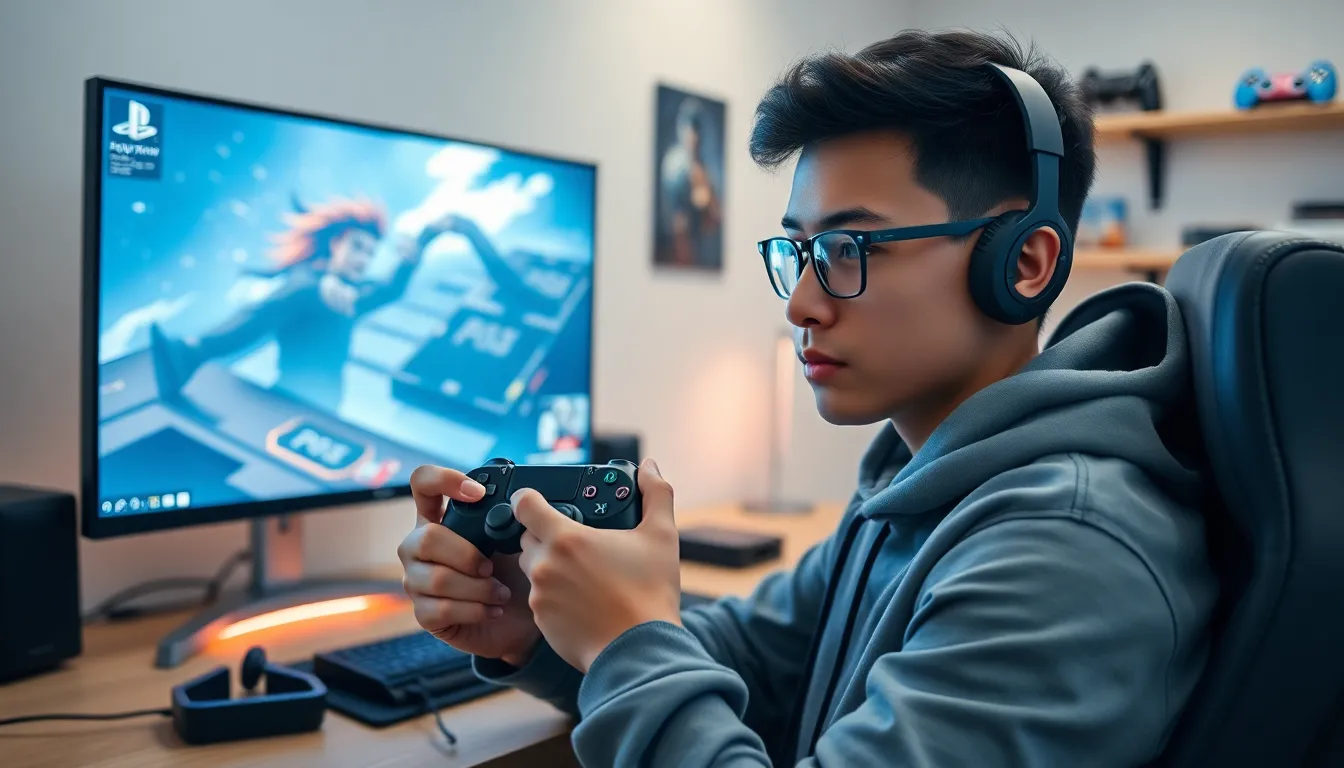
Most players use the standard grip. Both thumbs rest on the analog sticks, and index fingers sit on L1/R1. This grip feels natural and works well for most games.
The claw grip positions the index finger over the face buttons (X, O, Square, Triangle) while the middle finger handles R1/R2. This allows players to press buttons without removing their thumb from the right stick. Shooters and action games benefit from this technique because players can aim and perform actions simultaneously.
Thumb Placement and Pressure
Thumb placement on analog sticks matters more than many realize. Placing the thumb pad (not the tip) on the stick center gives better control. Light pressure works better than death-gripping the controller.
For precise aiming, small adjustments beat large sweeping motions. Players should practice making micro-movements until muscle memory develops.
Reducing Hand Fatigue
Tension causes fatigue. Players should keep their shoulders relaxed and avoid squeezing the controller too hard. Taking short breaks every hour helps prevent strain. Some players add grip covers or kontrol freeks to their sticks for extra comfort and control.
Advanced Combat and Movement Strategies
Strong PlayStation techniques extend beyond controller handling. Combat and movement strategies separate good players from great ones.
Movement Fundamentals
Standing still gets players killed in most games. Constant movement makes someone a harder target. Strafing (moving side to side) while engaging enemies forces opponents to adjust their aim constantly.
Jump shots and crouch spamming add unpredictability. In shooters, mixing up movement patterns prevents enemies from predicting where a player will be.
Combat Awareness
Map knowledge gives players a major advantage. Knowing spawn points, high-traffic areas, and cover locations allows for better positioning. Sound cues also matter, footsteps, reloads, and ability sounds reveal enemy locations.
Pre-aiming common angles reduces reaction time. Instead of reacting to an enemy, players anticipate where threats will appear.
Combo Execution in Fighting Games
Fighting games demand precise input timing. Players should practice combos in training mode until they become automatic. Start with simple two or three-hit combos, then build toward longer sequences.
Frame data helps serious players understand which moves are safe and which leave them vulnerable. Learning when to punish an opponent’s mistakes creates openings for big damage.
Optimizing Your PlayStation Settings for Better Performance
Default settings rarely provide the best experience. Adjusting PlayStation techniques at the system level can improve responsiveness and visual clarity.
Display Settings
Game Mode on TVs reduces input lag significantly. This setting bypasses image processing that creates delay between controller input and on-screen action. Most modern TVs have this option in their picture settings.
For PS5 users, enabling 120Hz output (if the TV supports it) provides smoother visuals in compatible games. HDR settings should match the TV’s capabilities, incorrect HDR configuration can wash out colors.
Controller Sensitivity
Sensitivity settings vary by game genre. Shooters often benefit from lower sensitivity for precise aiming, while higher sensitivity works better for fast-paced action games.
Players should start at medium sensitivity and adjust in small increments. Finding the right balance takes experimentation. Stick with new settings for at least a few play sessions before making changes.
Audio Configuration
Good headphones reveal audio cues that TV speakers miss. Spatial audio settings on PS5 (Tempest 3D AudioTech) help players locate sounds directionally. This proves especially useful in battle royale games where hearing footsteps can mean the difference between victory and defeat.
Adjusting the game/chat audio balance ensures voice chat doesn’t drown out important in-game sounds.
Practice Methods to Improve Reaction Time and Accuracy
Raw talent only goes so far. Consistent practice using proven PlayStation techniques builds real skill over time.
Aim Training
Many shooters include aim training modes or practice ranges. Players should spend 10-15 minutes warming up before competitive matches. Focus on tracking moving targets and flicking to stationary ones.
Third-party aim trainers exist for PC, but console players can use in-game training tools effectively. Repetition builds muscle memory that transfers to actual matches.
Replay Analysis
Recording gameplay and reviewing mistakes accelerates improvement. Players often miss errors in the moment that become obvious on replay. Questions to ask: Where did positioning fail? What opportunities went unexploited? Which fights were avoidable?
Many competitive games include replay systems. Use them.
Deliberate Practice Sessions
Playing matches alone doesn’t maximize improvement. Deliberate practice means focusing on specific skills. One session might target movement. Another might work on a particular weapon or character.
Setting small, measurable goals helps track progress. Instead of “get better at aiming,” try “land 50% headshots this session.”
Physical and Mental Preparation
Tired players perform worse. Sleep, hydration, and breaks affect reaction time and decision-making. Professional esports players treat gaming like athletics, they warm up, stay healthy, and rest properly.
Playing while frustrated leads to poor decisions. Taking a break after a losing streak often helps more than grinding through tilt.